Class Filter
Provide Users a Simplified Path to the Right Class
Why a guided process works
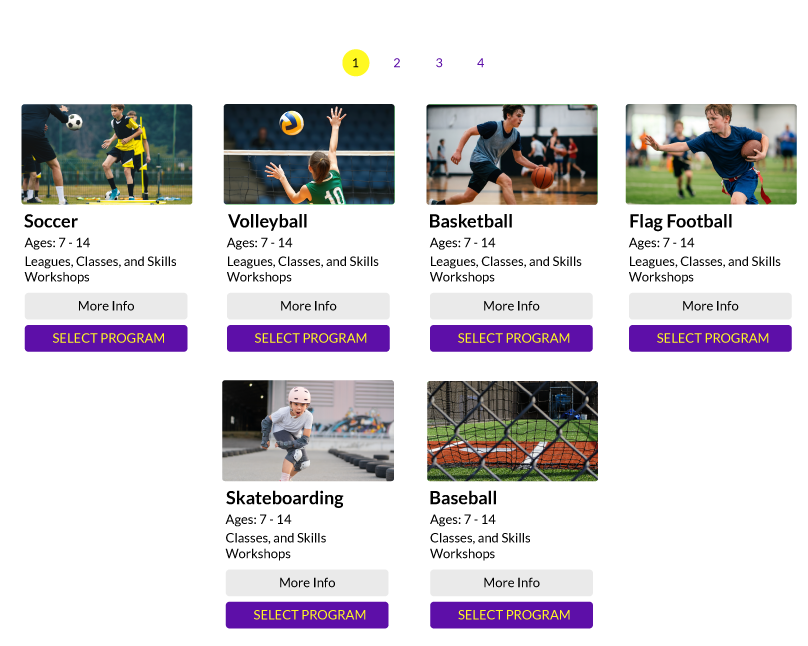
Parents don't always know how your program is organized.
Parents don’t always know how your program is organized. They just know what they’re looking for in plain terms, like gymnastics, for a 7-year-old, at the nearest location. The Class Filter mirrors that natural decision-making process, asking one clear question at a time and narrowing the results at each step, until parents land on exactly the classes that fit.
What it does:
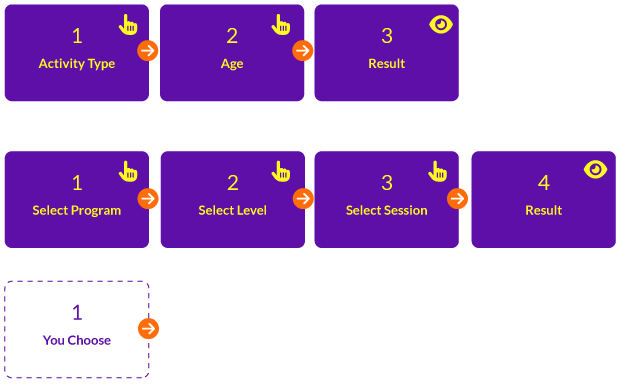
- Step-by-step guided filtering
- Built around how Jackrabbit categories actually get used
- Informational at every step
- Configurable to your program’s structure
- Ends in a clear result
Fully Customizable End to End
You Choose Steps, Styles and What Tools Render Class Results
The Class Filter isn’t limited to a single, fixed outcome. Every path through the filter can be configured to lead exactly where it should:
- Select Spring Clinics, and land on the Class Table built specifically for that program.
- Select Preschool Gymnastics, and land on whichever tool best represents that offering — a Weekly Class Calendar, a Class Table, or any other UAR tool.
Each selection can route to a different destination, so the filter acts as a front door to your entire toolkit, not just a single results page.
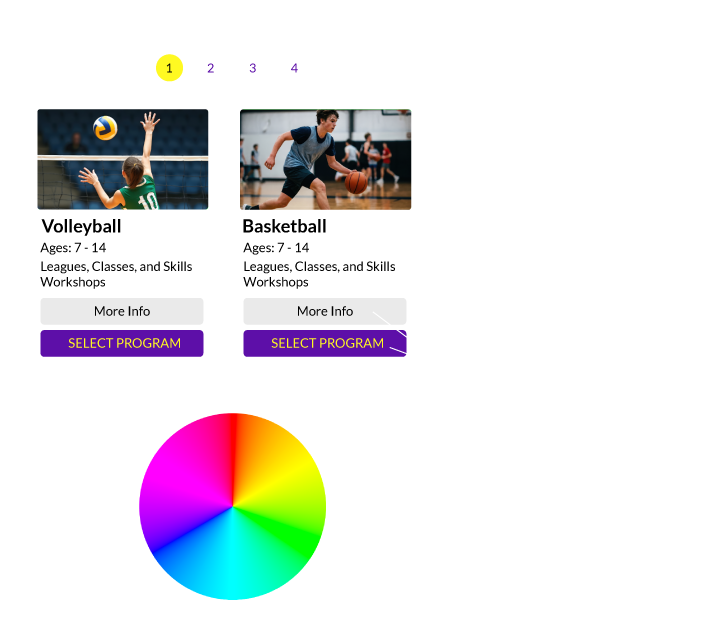
Colors and labels are fully customizable throughout the entire filtering process, so every step, option, and result looks and reads exactly the way your program does.
 Interact with our tools without an account for Free.