
Multi Student Filter
80% of North American Parents Have More than 1 Child

Find classes that work for every kid, not just one.
Parents with more than one child don’t want to make separate trips to your school or activity center at separate times. They want to know: what’s available for all of my kids, at times that actually line up? Multi Student answers that question directly, letting parents see and compare class options for multiple children side by side, in the same view.
Why this matters
A parent juggling a 6-year-old and an 8-year-old doesn’t want to search for one child’s classes, then start over from scratch for the other, and then manually cross-reference the schedules to see what overlaps. Multi Student does that comparison for them, so the classes that make sense as a single trip are obvious at a glance.
Two Multi Student Options to Choose From
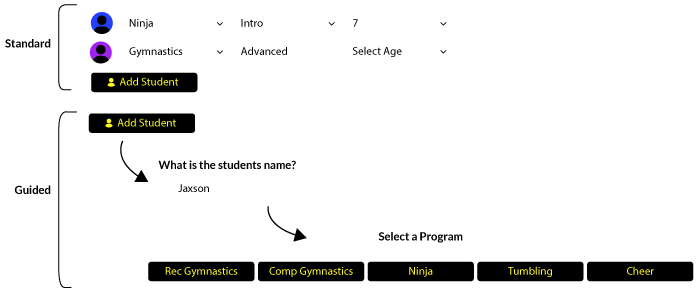
Standard Multi Student
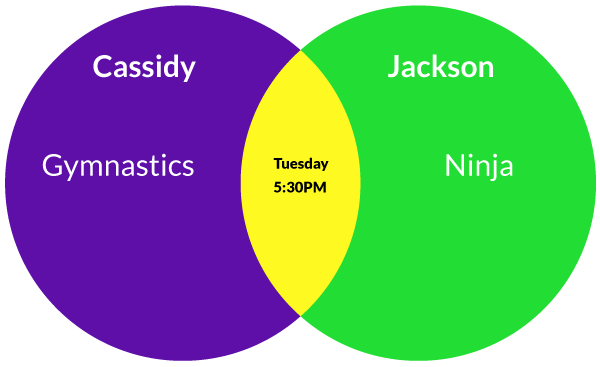
Parents add a student, then apply the filters that describe that child, such as age or interest. Then they add another student and set filters for that child too. For example, Student 1 might be 6 years old and interested in Intro Cheerleading, while Student 2 is 8 and interested in Tumbling and Gymnastics. The results reflect matching classes for both children at once, based on the filters each parent defined.
Or, Guided Multi Student
This version walks parents through the same step-by-step-like process as the Class Filter, but for each child individually. It starts by asking for a student’s name, then guides the parent through a series of selections for that student, rendering a result set in a distinct color. Adding another student repeats the process with their name and their own guided path, and their results render in a different color. When two students’ color-coded results overlap on the same class, it’s a clear visual signal: that class works for both kids.
Customizable to Fit Your Preferences
Create Clarity for Your New Enrollees
Both Standard and Guided Multi Student can be configured to keep things clear, even when comparing several kids at once:
Choose which filters show…
display only the criteria that matter for your program, such as age, category, or session.
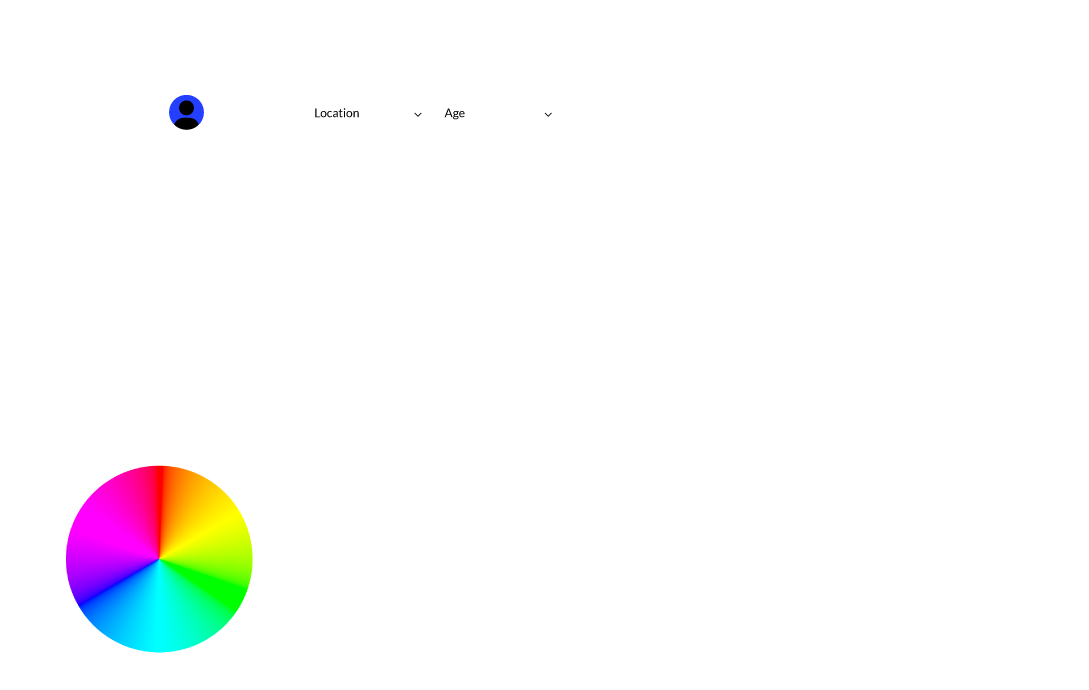
Assign a color to each student…
every child’s results are visually distinct, making overlaps easy to spot at a glance.
Label Buttons and Inputs to your specifications…
make the process match your school’s tone.
 Interact with our tools without an account for Free.