
Schedule Builder
A Shopping Cart-like experience.
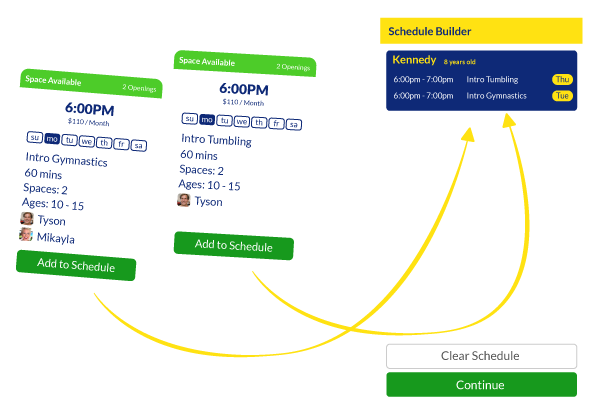
Build the whole schedule, for every student, before you ever check out.
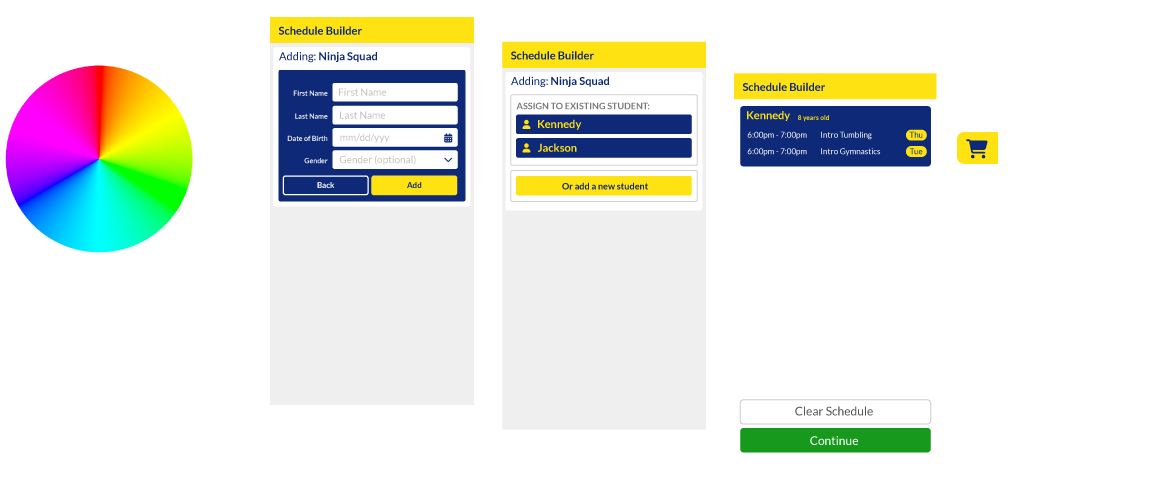
Enrolling used to mean picking one class, getting handed off to the Jackrabbit enrollment portal, and starting the whole process over again. It also meant wondering whether the portal actually matched what you’d just seen on the school’s website. Schedule Builder replaces that handoff with something families already know how to use: a shopping cart. Add classes for multiple students as you browse, review everything together, and check out once, all in one place.
The problem it solves
The old flow broke down at the exact moment it mattered most. A parent would find a class they liked, click enroll, and land in a separate enrollment portal that looked and worked differently than the site they were just on. If they had more than one child, or wanted more than one class, they had to figure that portal out on its own terms, disconnected from the browsing experience that got them there in the first place. It wasn’t always clear if what they were seeing matched what they’d just been looking at. Schedule Builder keeps everything in one place, so there’s no handoff, no second interface to learn, and no doubt about what you’re enrolling in.
What it does
Add to schedule, just like adding to cart
Whether you’re using the Weekly Class Calendar, the Class Table, the Class Filter, or Multi Student, add a class to your schedule right from that view and keep browsing, the same way you’d add an item to a cart and keep shopping, instead of being pulled away to enroll one at a time.
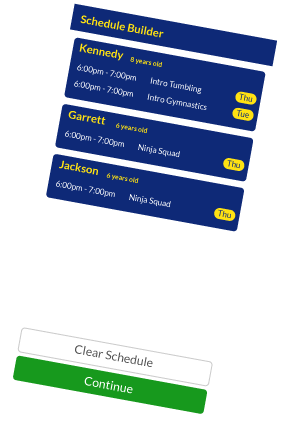
Schedule for multiple students at once
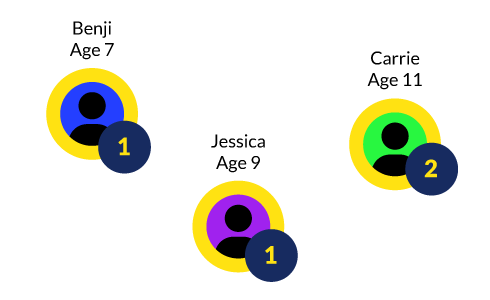
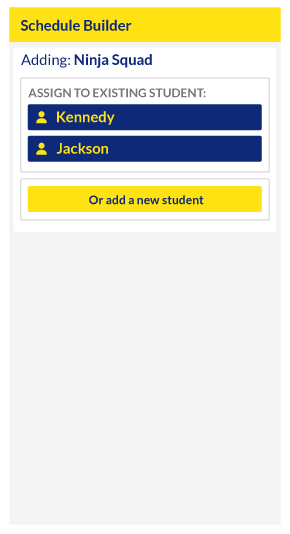
Add classes for each child to the same schedule, so a parent enrolling more than one kid can put the entire plan together before committing to any of it.
Works with the tools you already use
Schedule Builder plugs directly into UAR’s other tools, so however a parent found a class, whether through the Calendar, the Table, or a guided Filter, adding it to their schedule feels like a natural next step, not a detour.
One consistent view, start to finish
What a parent sees while building their schedule is what they get, and when we finally hand them off to the parent portal all their classes and information are pre-populated and waiting.
Fully Customizeable
Fit Your Brand and Your Process
 Interact with our tools without an account for Free.