Adding Your Org ID
What is an Org ID?
To get Universal Action Rabbit to pull in your class data you will need to add at least one Org ID. Your Ord ID is how Jackrabbit Class identifies your school within their system. It is a number that is usually 6 or 7 digits long. It will look like this 4567890.
Where to find my Org ID
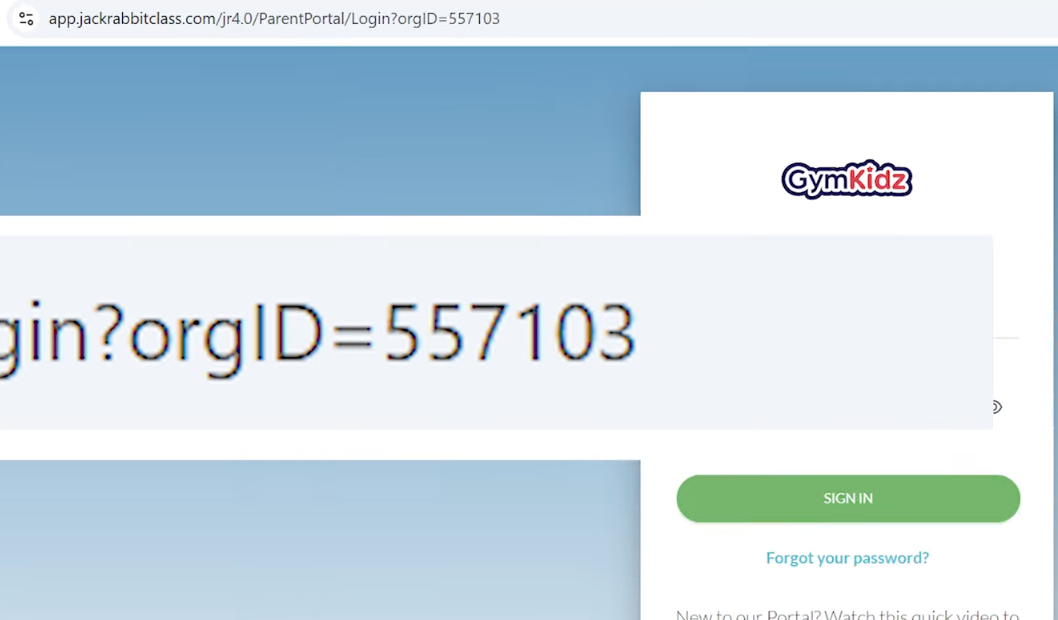
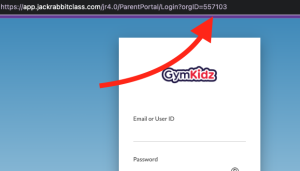
If your school has a parent portal you can hope over to your current website and find the parent portal link and when you are directed to your parent portal you should see a URL like this…
https://app.jackrabbitclass.com/jr4.0/ParentPortal/Login?orgID=XXXXXX
Entering My Org ID
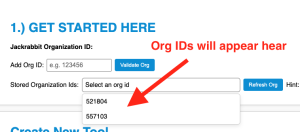
In the get started box there is a field that says “Add Org ID”. Drop your ID into that box and click “Validate Org”. A lookup on your Org ID will run and let you know what it finds or if something doesn’t look right about your ID.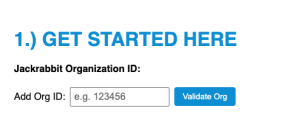
Add more than 1 Org ID
One of the cool things about Universal Action Rabbit is if your school has more than one Org ID you can add them. You can add as many Org IDs as you like.
Why would a school have more than one Org ID?
- Franchise
- Breaking Up Seasonal Locations
- Your schools founders have various partnerships
- You want to silo your financial accounting