Mapping Categories
Mapping Categories Intro
When using the Class Filter mapping you can help your users understand more about what that category means. Sometimes your Jackrabbit categories suggest ages, program types, experience levels, seasons, timing like long term or short term, and many other options.
How to Map my Categories
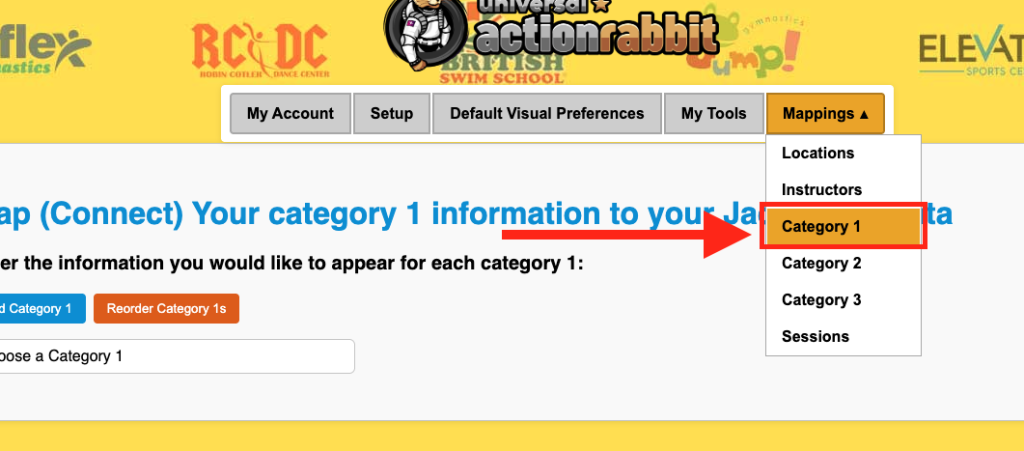
In the main UAR Horizontal Navigation select Mapping and then choose category 1, 2, or 3.
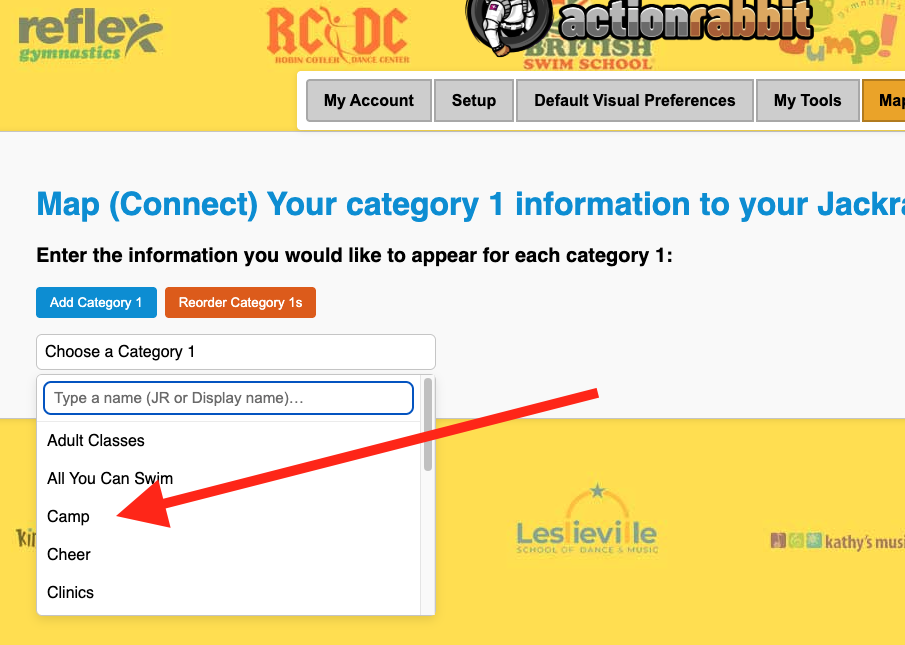
Then choose which category you would like to map
What information can be mapped
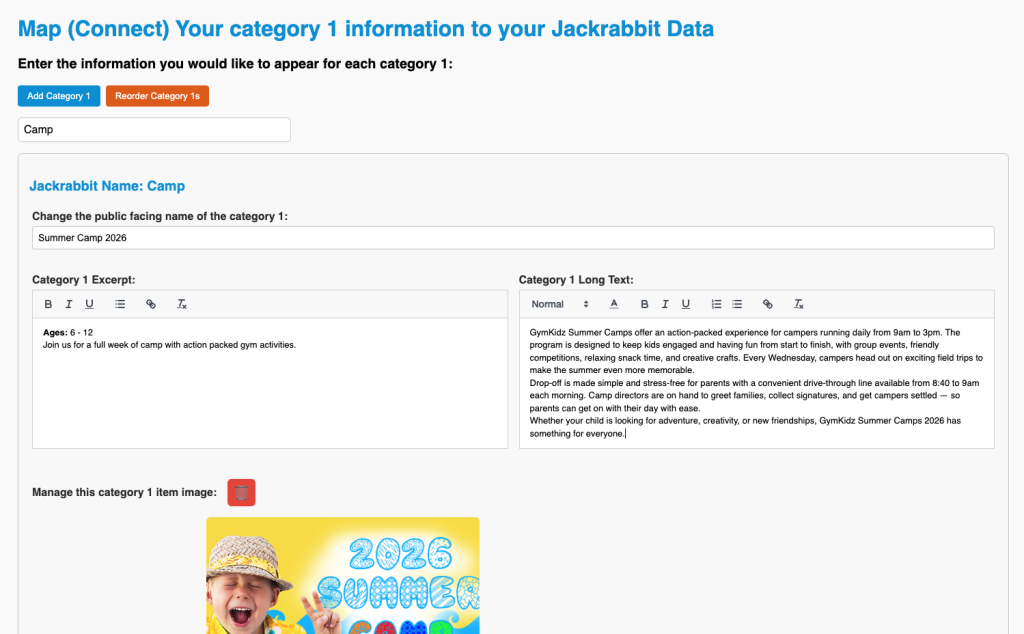
Then on the resulting view you will see a variety of fields.
You can change you category name, in this example “Camp” to something more descriptive.
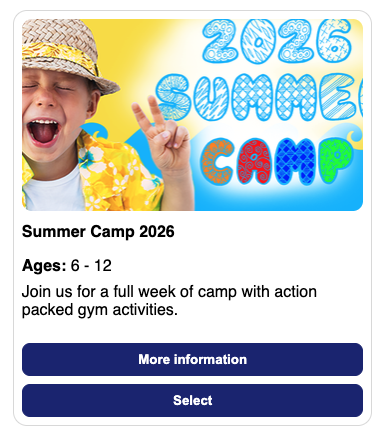
You can also add an excerpt and long description. The excerpt will display on the card view when using the class filter with images. And the Long description will appear when “more information” is clicked.
What you get when you map categories
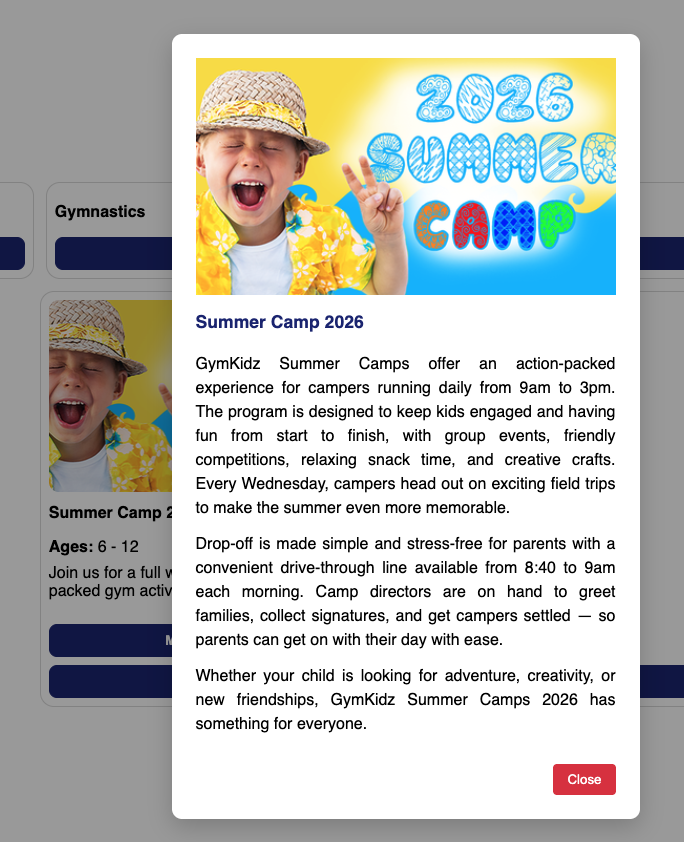
This is the result in the class filter.
And this is what it looks like when “more information” is clicked.