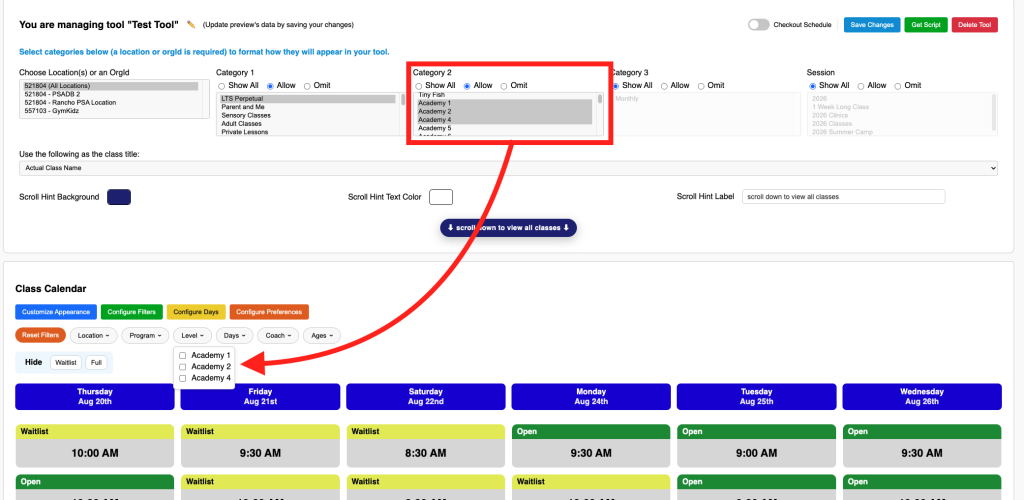
Common Filter
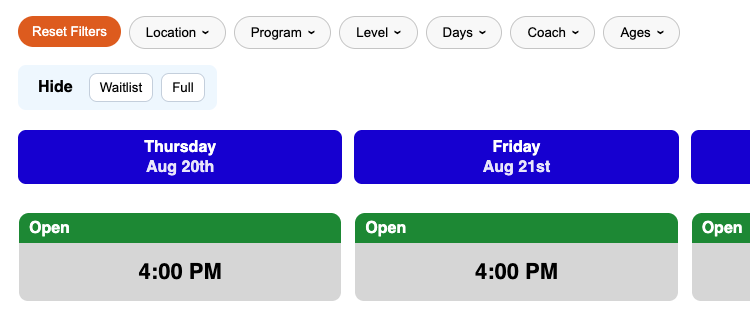
What is the Common Filter
Common Filters are Filters that render expected results while not indicating which class is a result of which filter. These filter types are common for conventional shopping carts.
Adding a Common Filter to your tool
To add a common filter to your tool you are going to click the “Configure Filters” button and select Common Filter
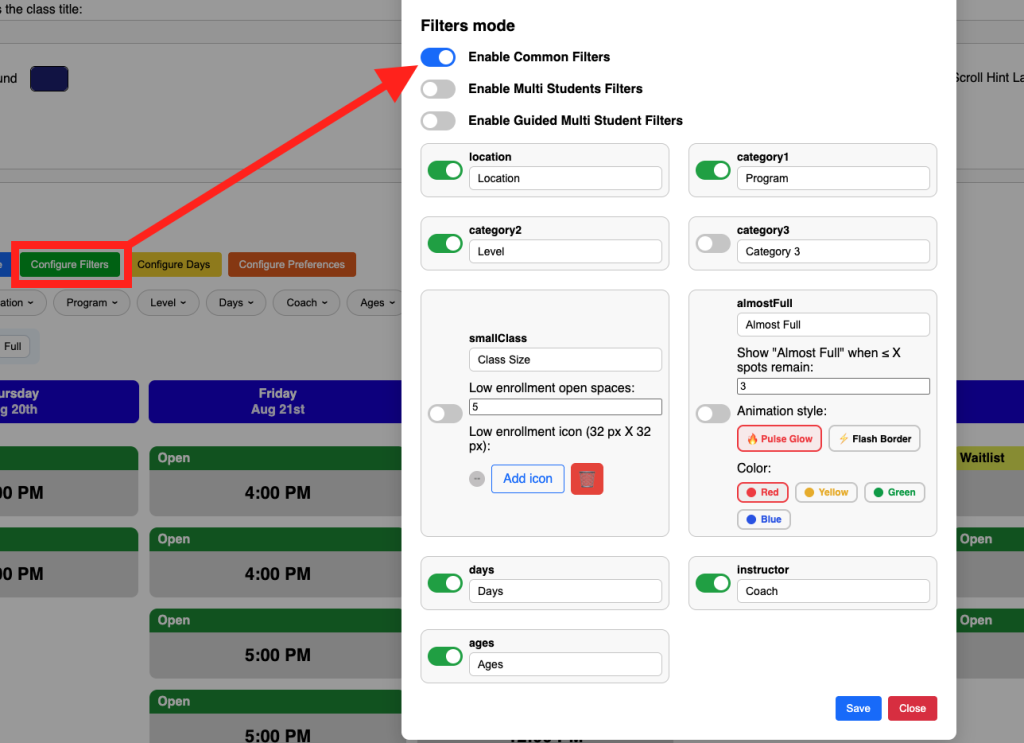
Customizing which filters are displayed and how they're labeled.
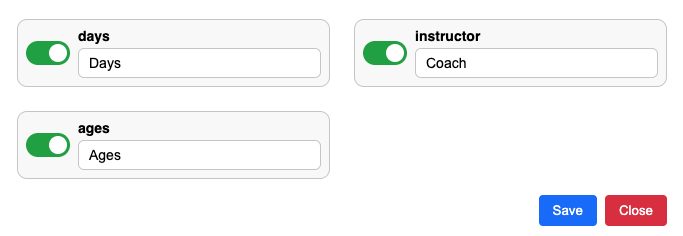
You can set any filter to hide or display. You can also change the label of a filter. If you don’t want your filter to say “instructor” you can change it to “coach”, or “counselor” or whatever fits. The same goes for any other filter.
Customizing which data appears in a filter
To limit what data appears in a filter you need to either allow it or omit it.
In the below example 3 category 2s are enabled and susequently reflected in the tool.