Wix
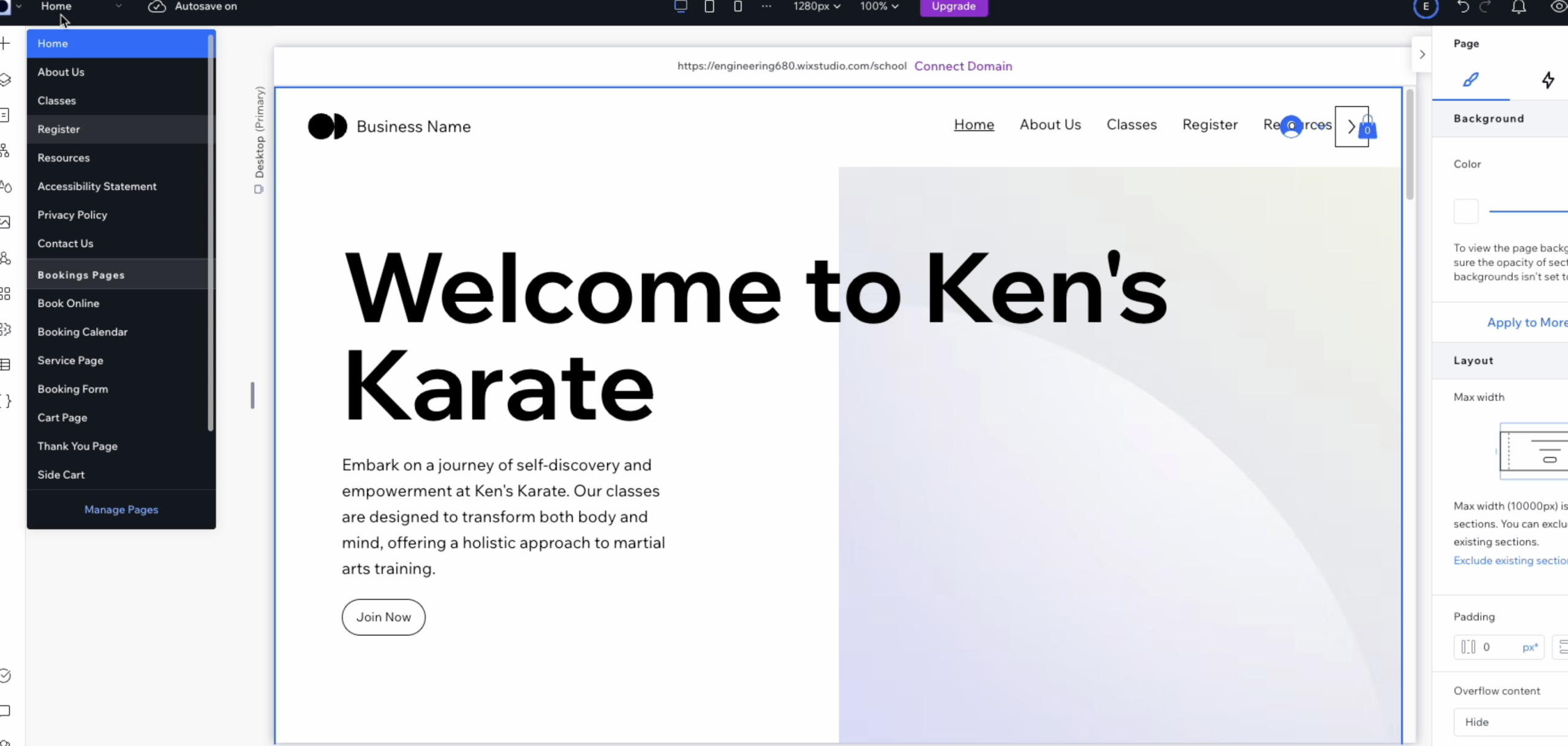
Adding a Section
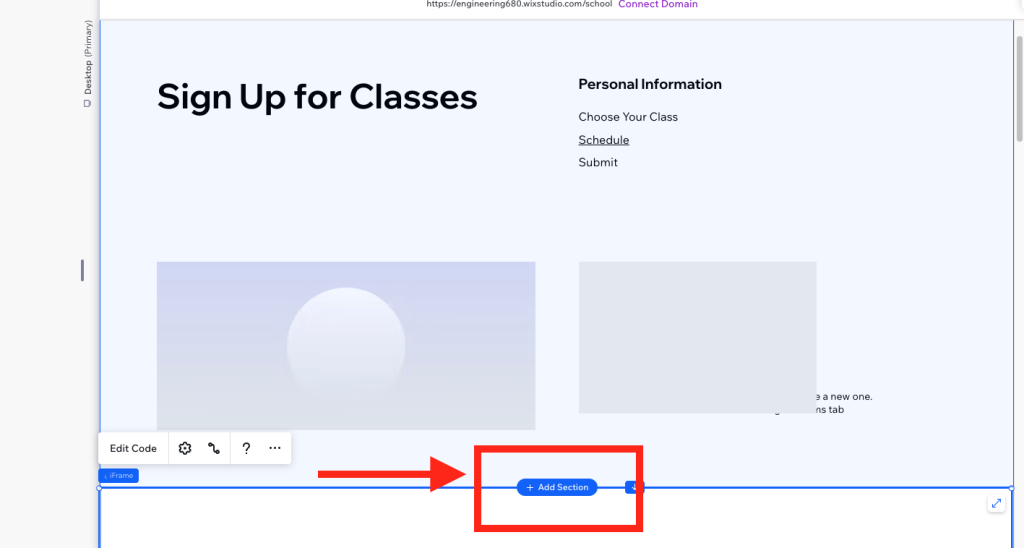
Inside your Wix editor you will hover over the content on the page where you want to add your enrollment tool. Then click “Add Section”.
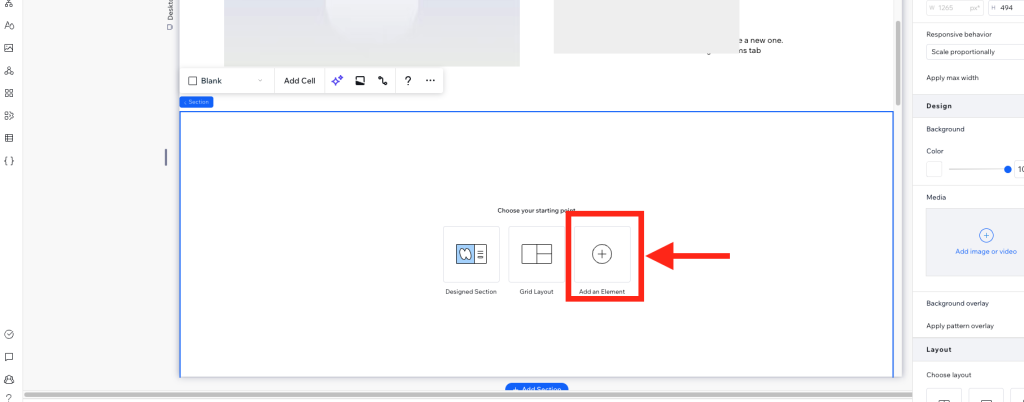
Add an Element
In the resulting section you will click “Add Element”.
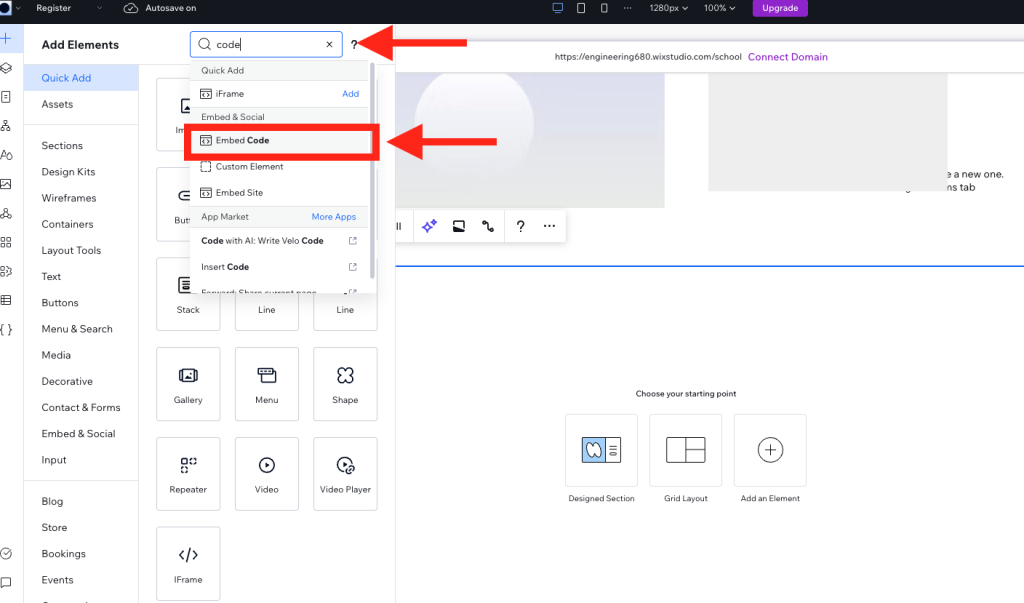
Search for the Code Embed Element
You will then look for the “Code Embed” Element and click to add it to your section.
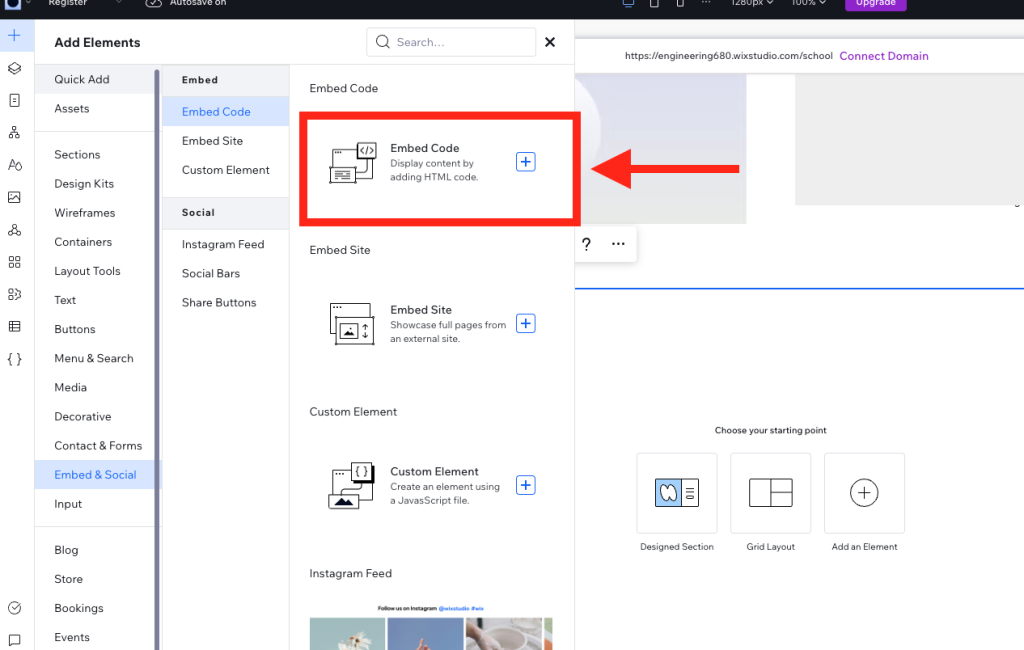
Then in the resulting menu select “Embed Code”
Size the Element
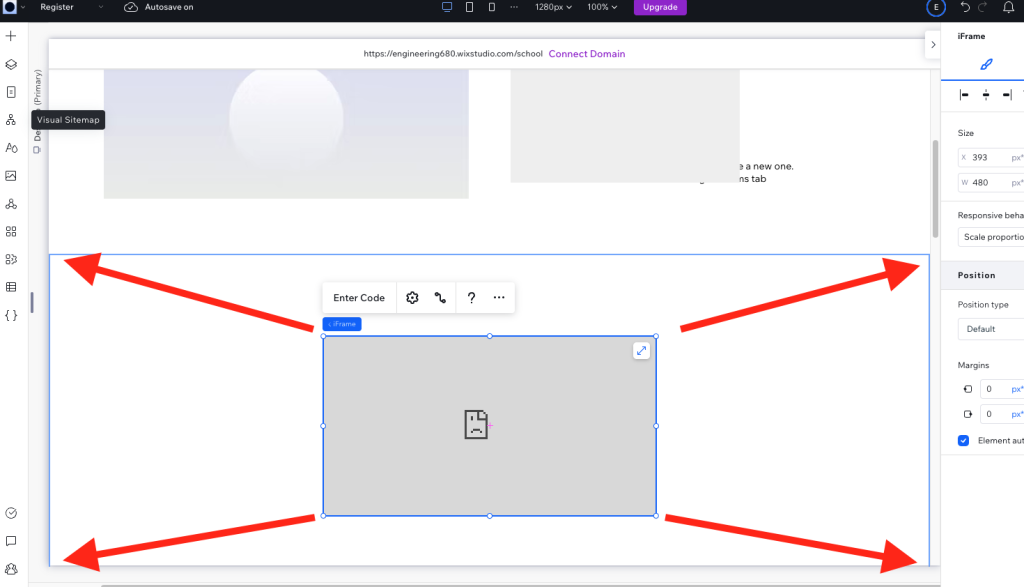
Size the element by dragging the corners so it takes up all the horizontal space.
Adding the snippet
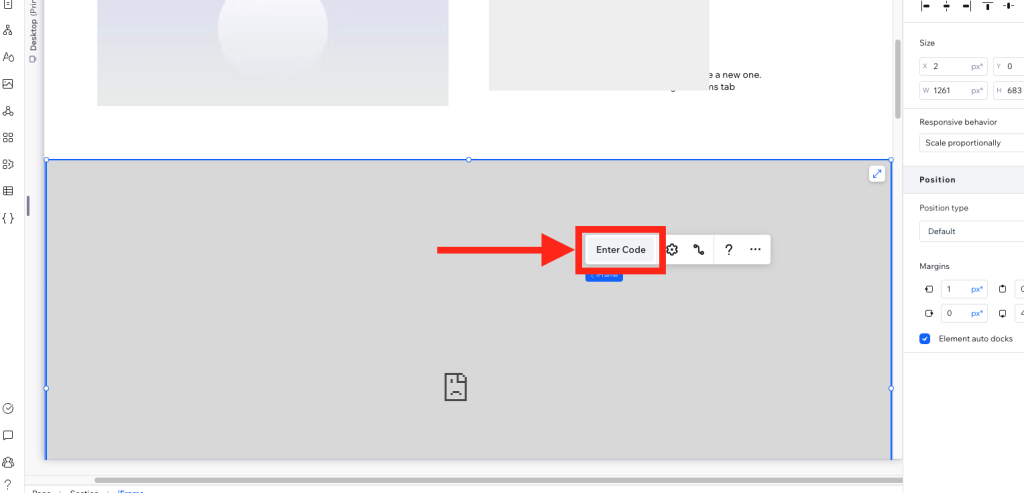
After it fits the screen. Click “Enter Code”. If you don’t see this option click the grey box and it should appear.
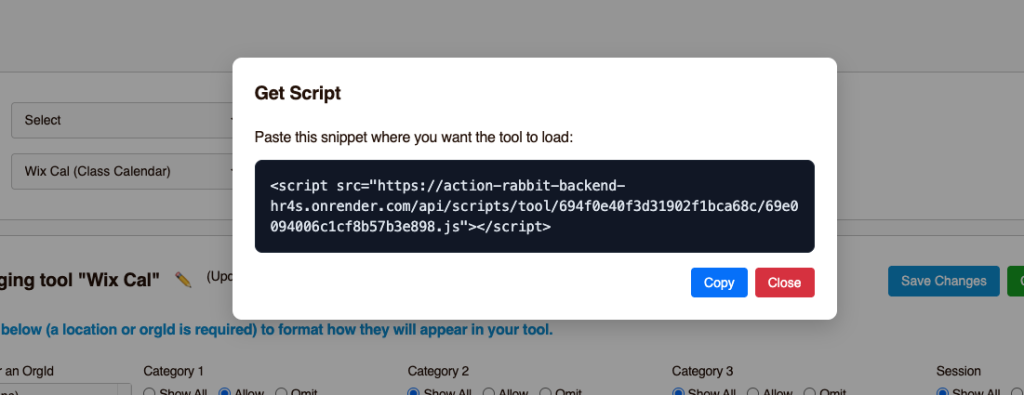
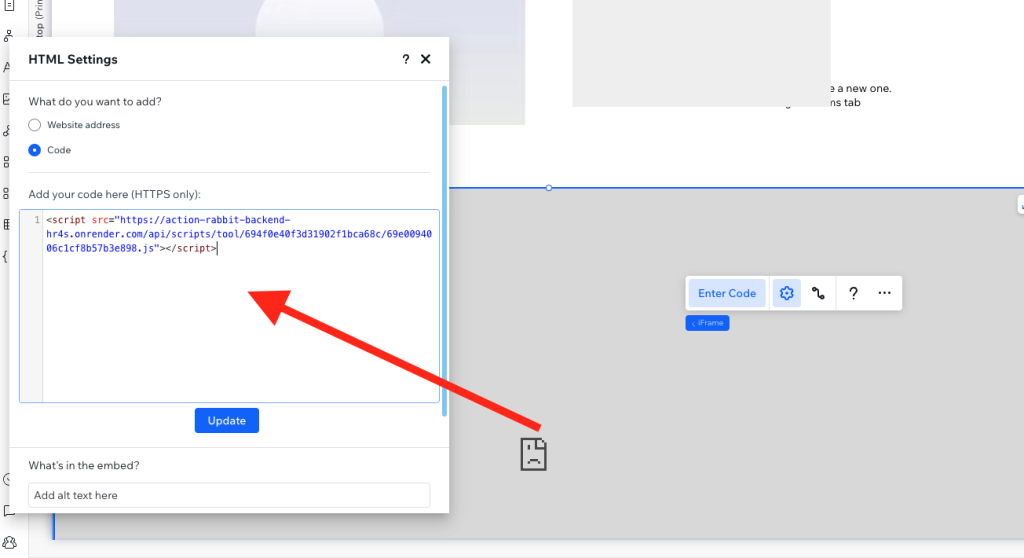
Then copy the snippet from UAR into the resulting box
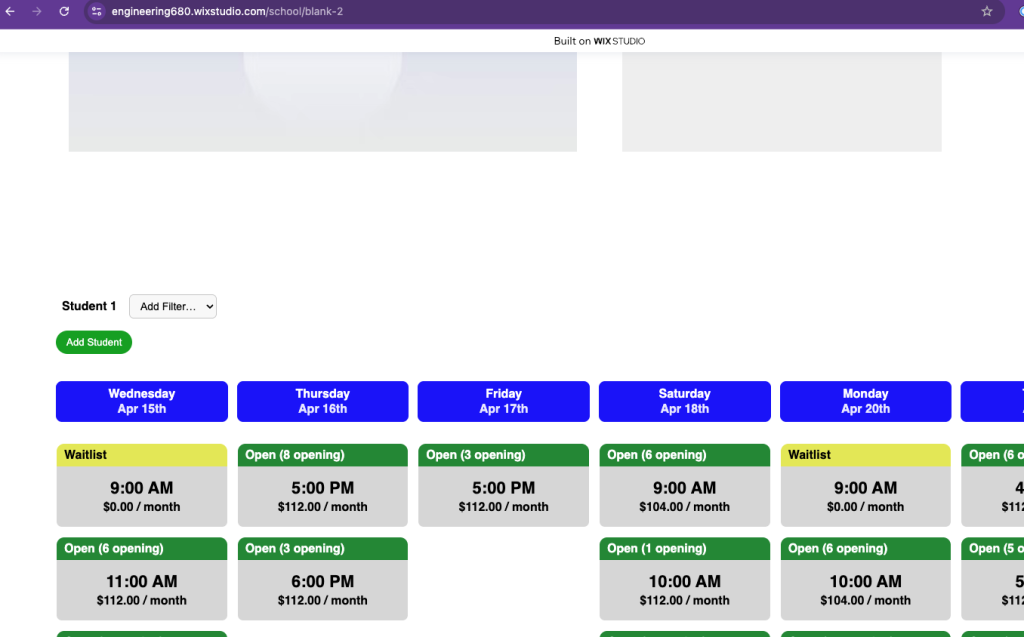
Go check your website.
Why isn't my tool appearing?
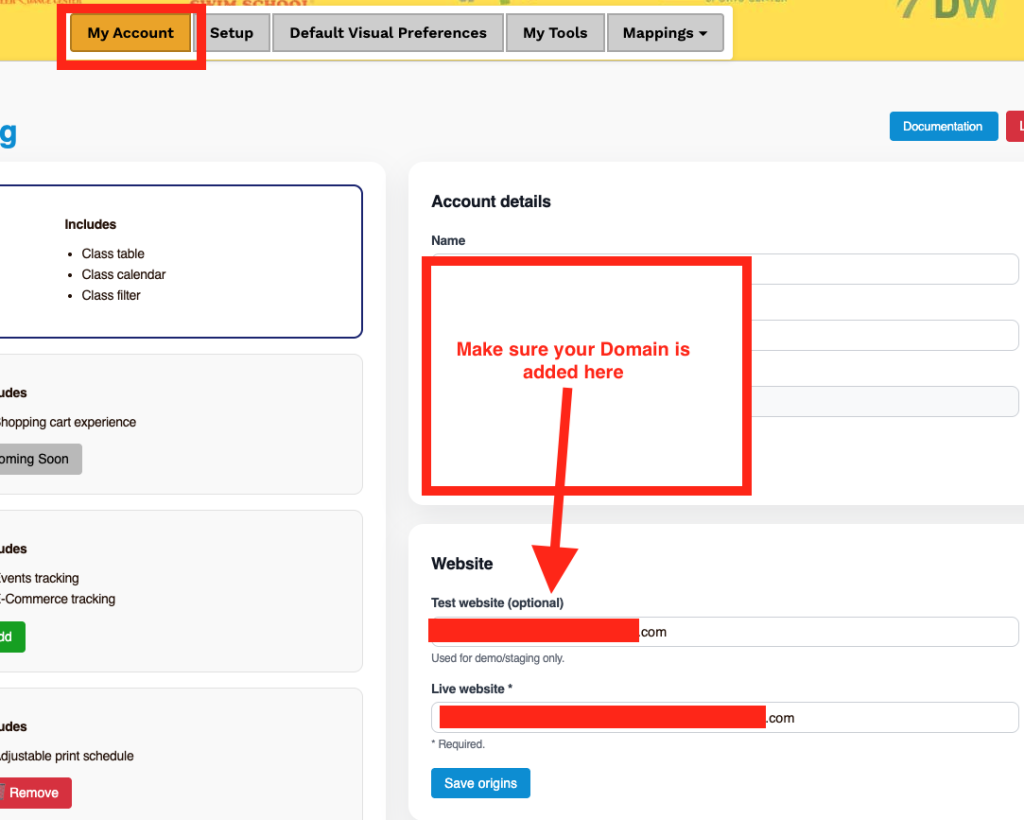
Make sure you have added your domain.