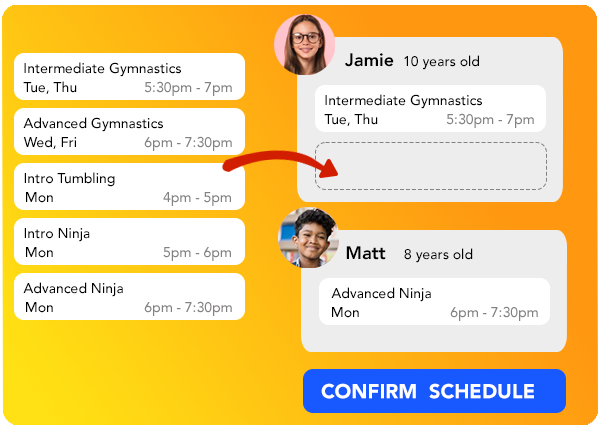
Schedule Builder
Turning On the Schedule Builder
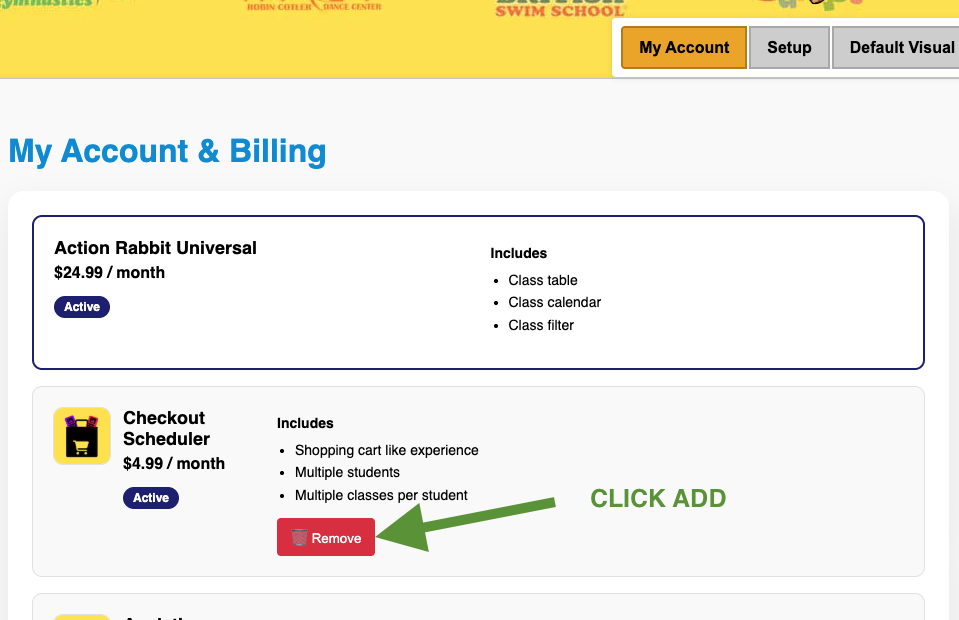
Add the schedule builder tool to your Universal Action Rabbit account by clicking “Checkout Scheduler” in your product list in the “MY ACCOUNT” tab.
Customizing the Schedule Builder.
Now that the schedule builder is now added, navigate to “Default Visual Preferences”.
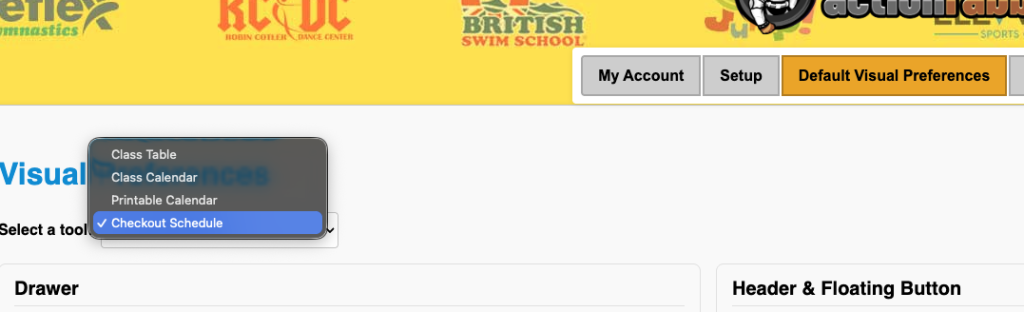
Find “Checkout Schedule” listed in the tool list.
The resulting page will have a variety of sections where you can customize the visual components of the schedule builder.
Note: it can be helpful to turn on the schedule builder in a Test Tool that you create to walk through the experience so you have a solid idea of what you are customizing.
Turning on the Schedule Builder for a tool
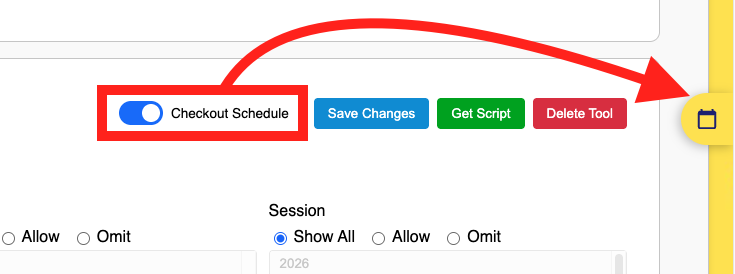
Navigate to the tool where you want to enable the Schedule Builder. Then you will Toggle ON the option that says “Checkout Schedule”. You should then see the tab appear on the right side of your screen.